
How can I track member attendance?
Member attendance can easily be tracked through the Greek Chapter mobile application and web app
 Written by BradenUpdated
Tracking member attendance at events has never been easier. Simply create an attendance item and check the checkbox for present members.
From the iOS/Android app:
Navigate to the More tab
Tap Attendance
At the top, create an attendance item
Once created, tap the attendance item row
To mark a member as present, tap the checkbox next to their name. Changes will automatically save
From the web app
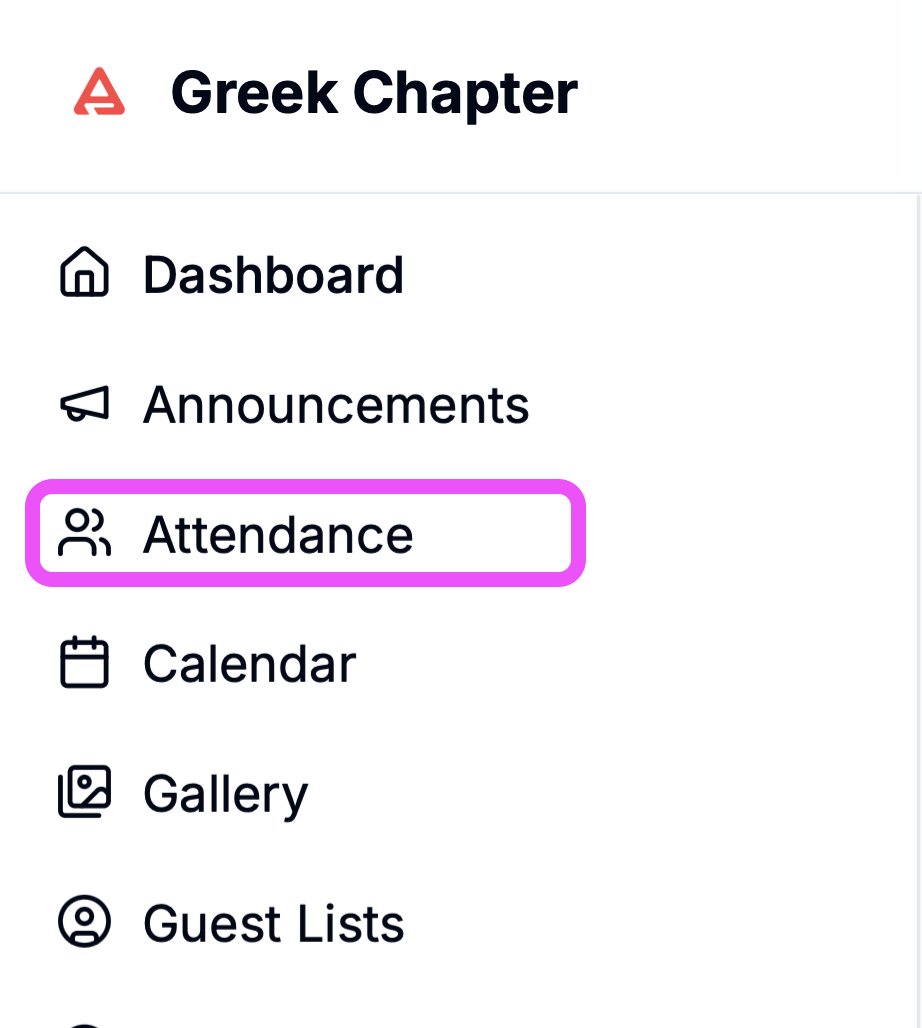
Navigate to the Attendance tab from the sidebar
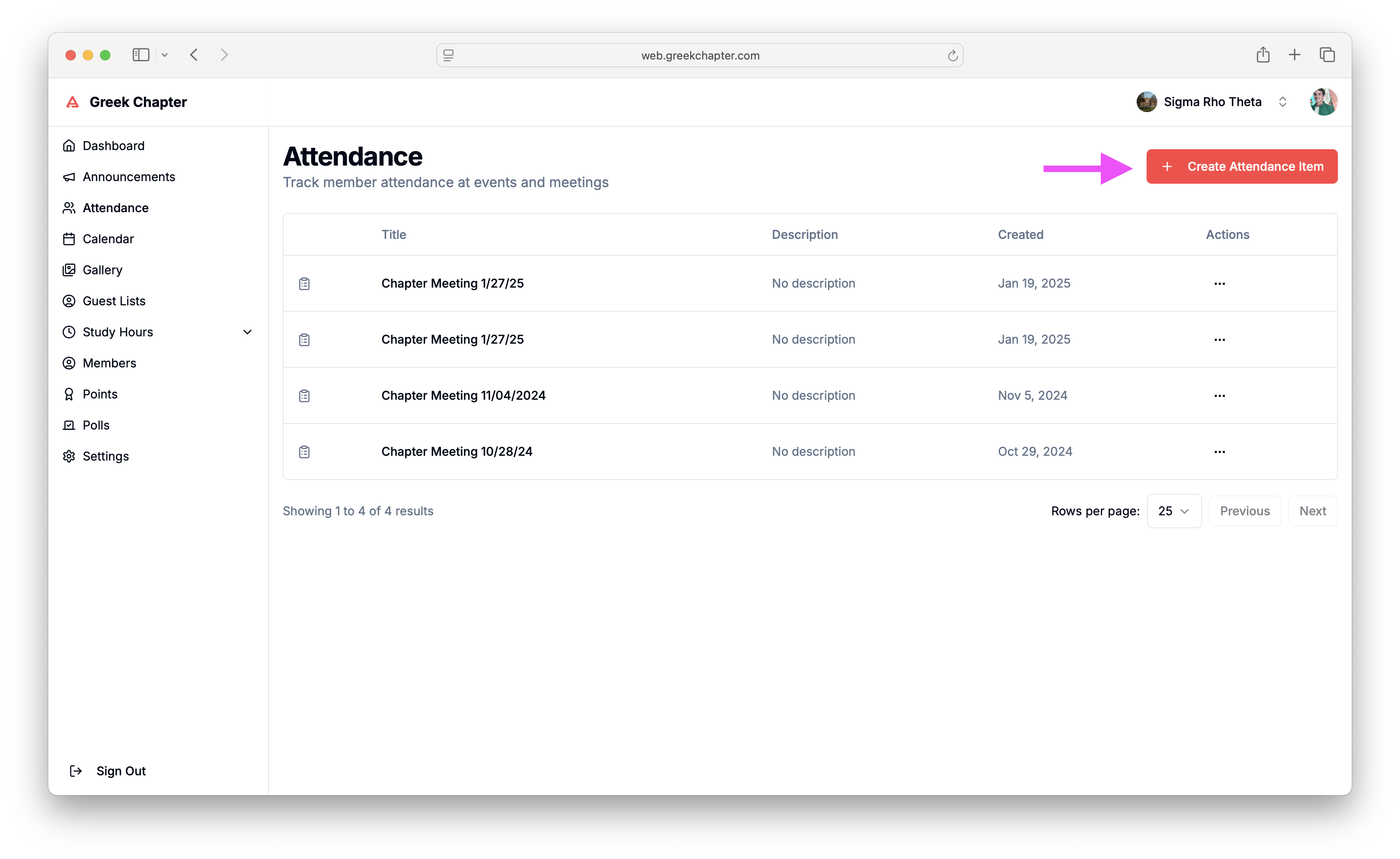
Click the Create Attendance Item button in the top right of the screen
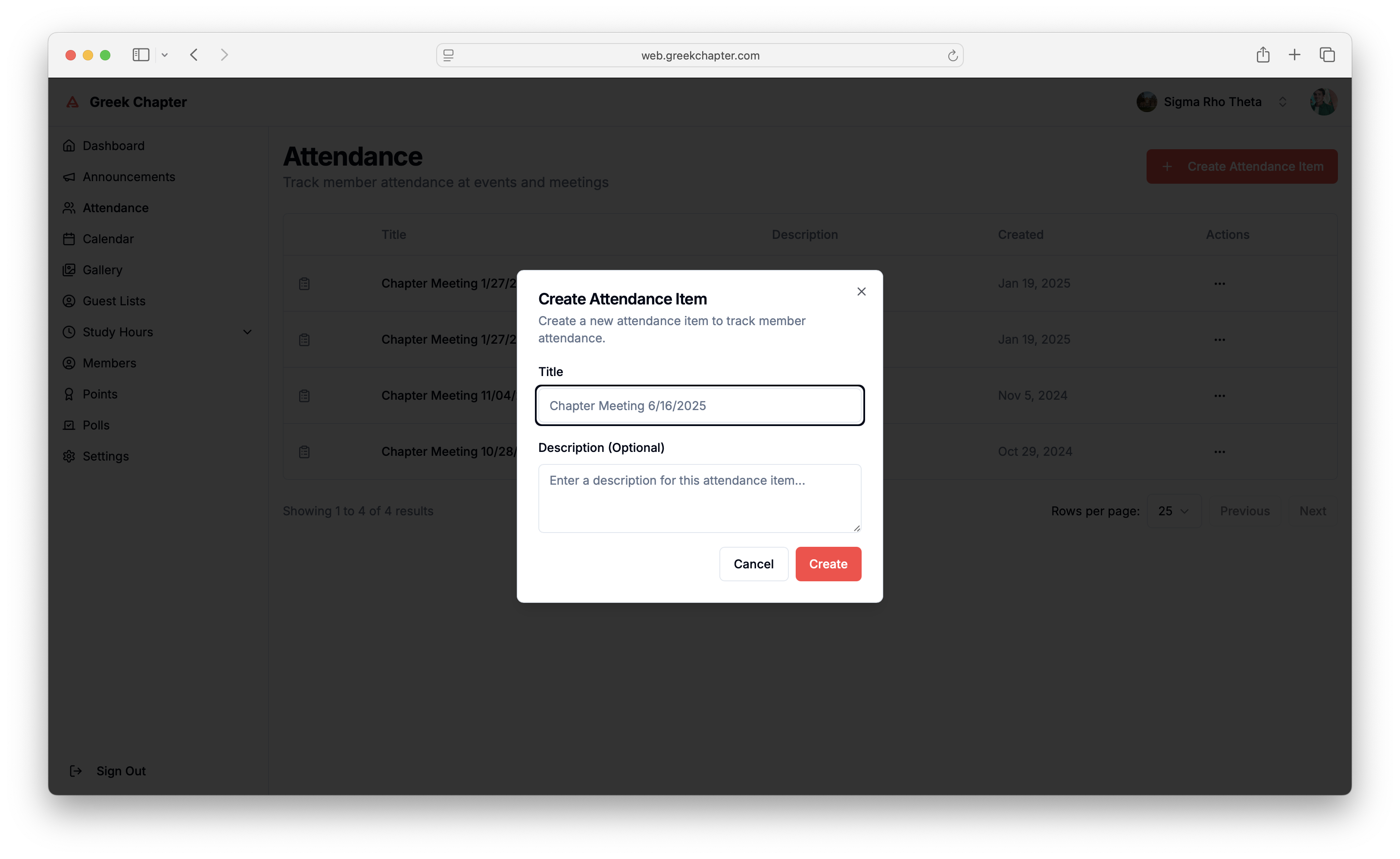
Enter a title and an optional description for the attendance item. Once you're done, click Create
Once created, click the attendance item to access the details page
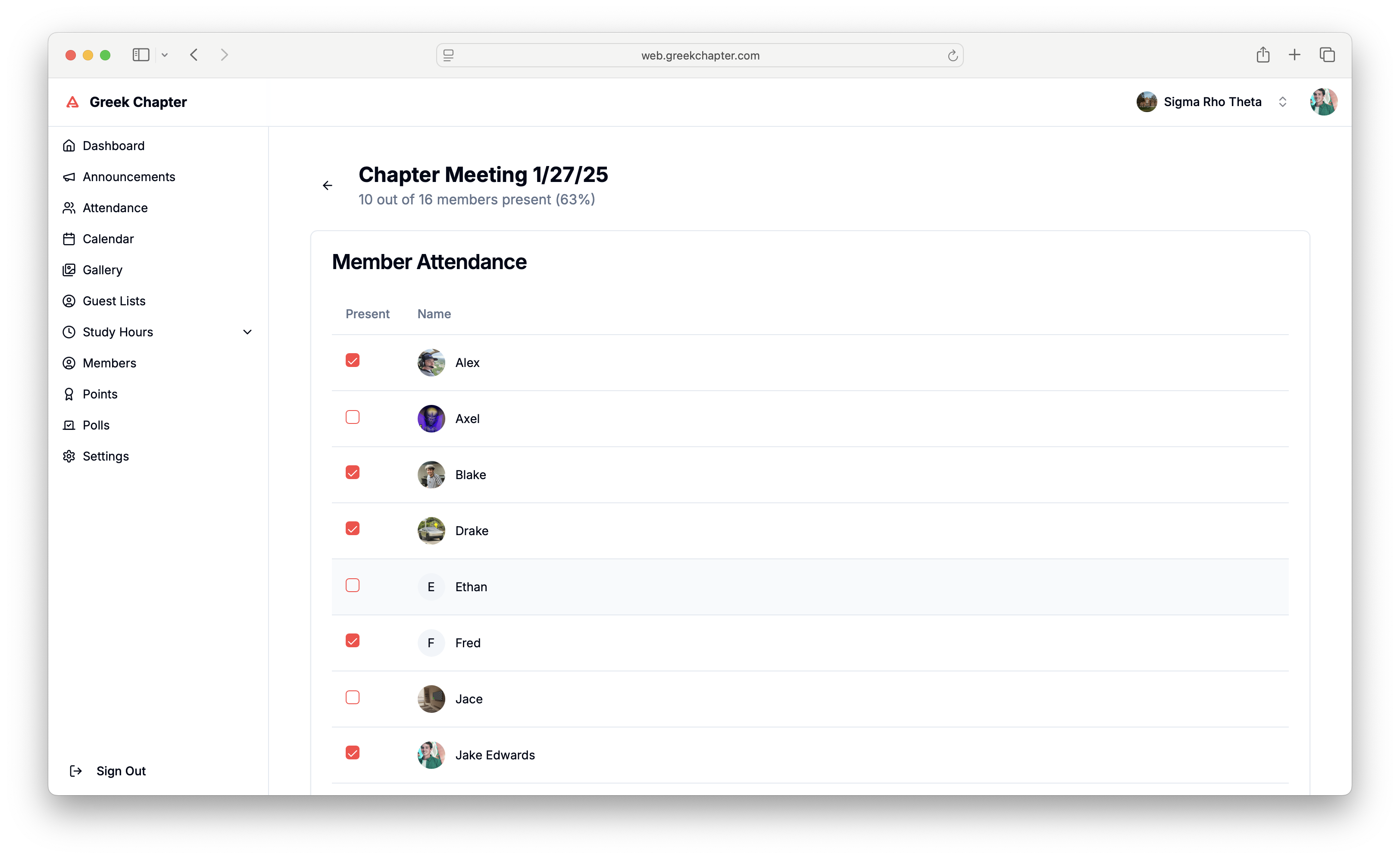
To mark a member present, click the checkbox next to their name. Changes will automatically save
Did this answer your question?